 UI/UX TESTING
 Testing UX Across Accessibility Modes: Dark Mode, Zoom, and Screen Readers

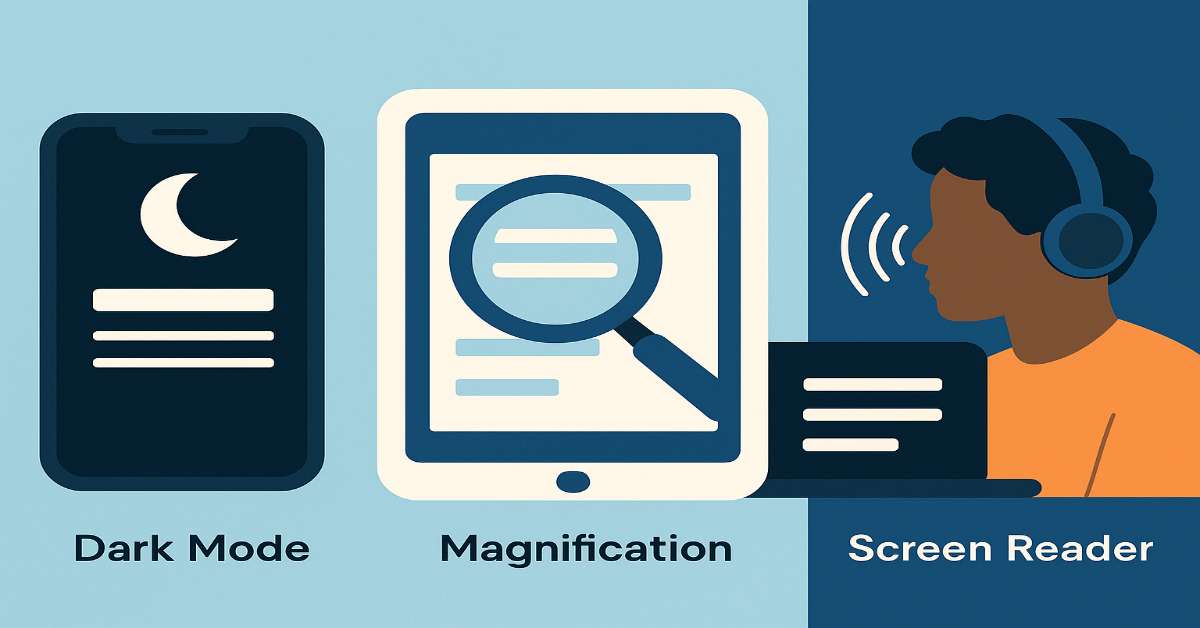
Designing inclusive products means ensuring that everyone, regardless of visual, motor, or cognitive abilities, can use your app with confidence. Accessibility testing ensures your product works across the many built-in tools users depend on, like dark mode, zoom, and screen readers. Hence, ignoring these means failing a segment of your users by default.
Here’s how QA can confidently integrate accessibility testing into daily workflows and elevate the user experience for all:
Dark Mode Should Be a Default Test Case
Dark mode is more than a visual preference—it’s a comfort and accessibility feature. But many teams skip testing it during releases, only to discover broken layouts or unreadable text later.
What to check:
- Contrast ratios meet WCAG 2.1 AA standards (4.5:1 for normal text)
- Custom themes or gradients render correctly
- Logo and image visibility in low-light environments
Zoom and Text Scaling Are Critical for Visual Accessibility
Users with low vision or cognitive impairments rely on magnification and larger text. When your layout breaks under zoom, your UX breaks for them.
What to check:
- 200% font scaling doesn’t push UI offscreen
- Buttons and forms remain functional and readable
- Avoid fixed heights/widths that prevent flexible layouts
Test with Screen Readers, Not Just Simulators
Screen reader users navigate apps through gestures, focus orders, and auditory feedback. Your app needs to speak fluently.
What to check:
- All interactive elements (buttons, toggles, links) have descriptive labels
- Logical tab navigation with proper heading levels
- Alternative text on images, icons, and visuals with contextual importance
Simulate Real-World Accessibility Settings
Automated tools help, but real devices give real insight. Testing accessibility settings in actual environments helps catch UX flaws that automation misses.
Tools & methods:
- TalkBack (Android), VoiceOver (iOS), NVDA (Windows)
- Test reduced motion, grayscale modes, and high contrast
- Use Lighthouse and axe DevTools for quick accessibility audits
Concluding Words
Accessibility isn't a one-time checklist—it’s a mindset. And prioritizing it means you’re designing and testing for everyone. QA has a key role in protecting inclusivity and ensuring the experience doesn’t unintentionally exclude anyone.
Accessible UX is better UX—for everyone.